FluxGrowth is reader-supported. Some links in our guides are affiliate links — if you buy through one we may earn a commission, at no extra cost to you. It never changes which tools we recommend. How we test tools.
You need a blog header in the next ten minutes. Or a thumbnail. Or a carousel background that doesn’t look like every other carousel in your niche. You open a new tab, type “best AI image generator,” and land on a listicle covering fifteen tools with the same three bullet points copy-pasted under each one.
This guide is part of our AI Marketing hub – everything we have published on AI marketing tools and content workflows, in one place.
That’s not this article.
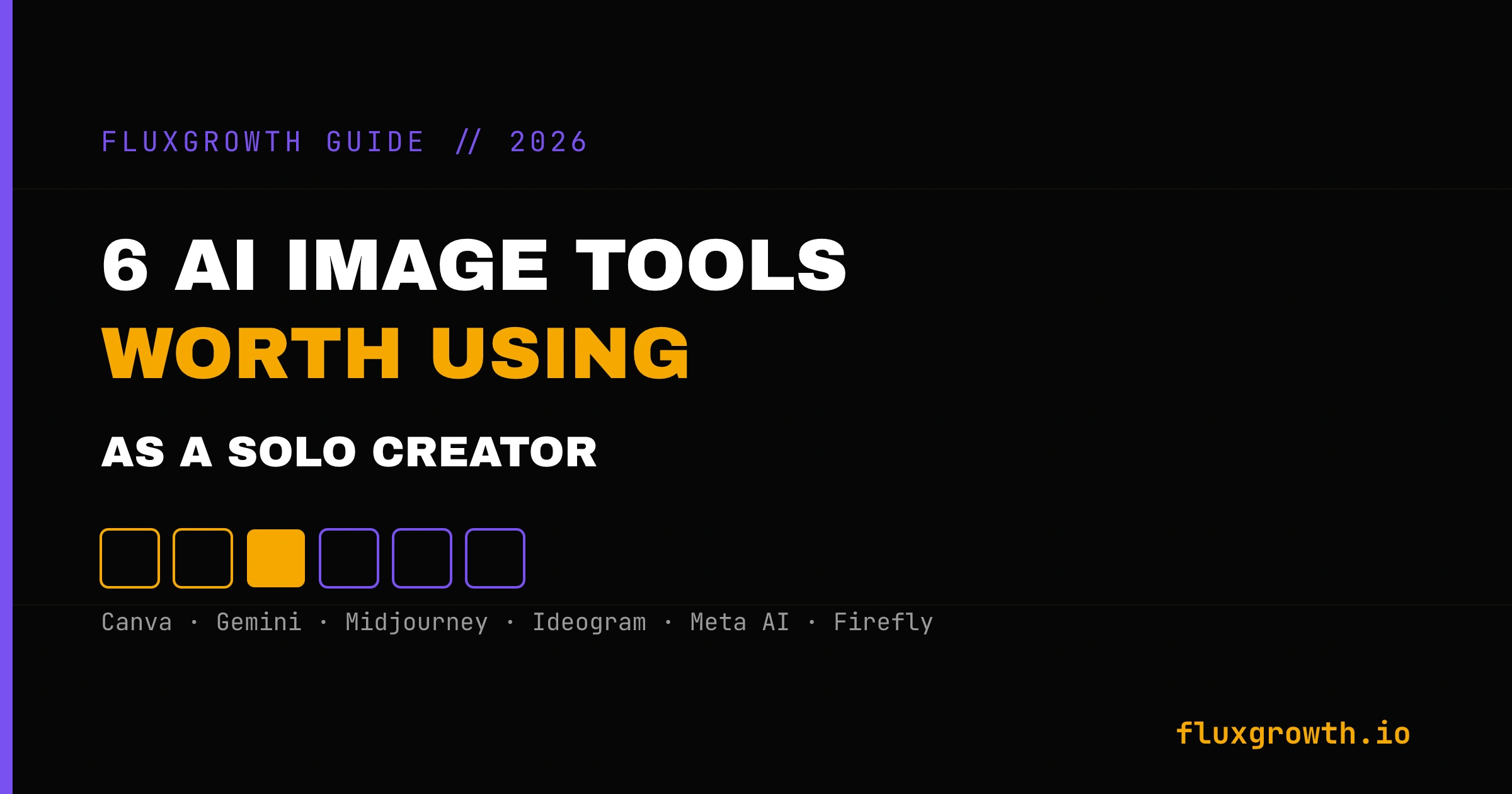
I tested six AI image tools for the exact problems solo creators and small business owners actually run into—from creating blog featured images and social media graphics to marketing creatives and website visuals. If you’re looking beyond image generation and want to build a complete AI-powered marketing workflow, check out my guide to Best AI Tools for Digital Marketing, where I cover the tools I use for content creation, SEO, social media, automation, and productivity
Once you have the still image, the next step is motion — we compare the AI image to video generators that actually hold detail between frames.
1.Canva Magic Media: the default, not the ceiling
If you’re already living inside Canva for your social graphics and presentations, Magic Media is the obvious starting point. No reason to overthink this one. Canva’s free tier includes over 250 monthly AI image generations (per a 2026 solopreneur tools roundup from Workborn) , plenty for blog headers, social graphics, and the basic brand assets most solo creators actually need day to day.
The advantage isn’t raw image quality. It’s that the image drops straight into a template you’re already using. You generate a background, then resize it for Instagram, LinkedIn, and your blog header in the same session, without exporting and re-importing into a different tool.
In my own workflow, Canva Magic Media has been my go-to tool for creating blog featured images, social media graphics, and quick marketing visuals. For most FluxGrowth articles, I can generate a background, add brand colors and text, then resize the same design for LinkedIn, X, and Facebook without ever leaving Canva. The biggest limitation I’ve run into is prompt accuracy for highly specific concepts. When I need a unique hero image or something with a more cinematic, premium look, I usually switch to ChatGPT Image Generation or Adobe Firefly because they follow complex prompts more consistently and produce visuals that feel less like generic stock artwork.
Where it flattens out: once you need something distinctive an image that doesn’t scream “generic AI stock art” Magic Media starts to show its ceiling. It’s built for speed and consistency, not artistic range. That’s fine for 80% of your content. It’s not fine for a hero image you want people to screenshot.
2.Google Gemini (Nano Banana 2): the best free quality-to-effort ratio
Buffer’s content team ran a blind test across nine tools in 2026. Google’s Nano Banana 2 model won. Not by a little, either; it led on illustration accuracy, nailed prompt adherence, and came closest to photorealism of anything they tried.
The free tier gives you a small number of images per day before you hit a wall. If you’re generating one or two hero images a week, you’ll likely never need to pay for it. If you’re producing daily content, you’ll bump into the ceiling fast and need Google’s AI Pro plan for higher limits.
What makes it worth learning over Canva’s generator: it follows detailed prompts more literally. Ask for a specific object, a specific lighting condition, and a specific mood, and it tends to include all three instead of dropping the one that’s hardest to render.
The honest limitation: the daily cap is real, and Google’s safety filters will occasionally block a prompt that seems completely reasonable. You also don’t get fine control over generation parameters; you get what the model gives you.
3.Midjourney: when “good enough” stops being good enough
Midjourney is still a professional upgrade. The cinematic lighting and texture depth it produces is a genuine step up from Canva or Gemini when you need an image that stops someone mid-scroll a moodboard, an editorial-style hero image, a piece of brand art you’ll reuse for months.
Here’s the catch nobody puts in the headline: there’s no free trial. Zero. You pay $10 a month for the Basic plan before you even know if it fits your workflow and that $10 buys you roughly 200 fast-mode images before you’re stuck waiting in the slow queue. Most people who stick with Midjourney end up on the $30 Standard plan instead, trading a little speed for unlimited generation.
In my own workflow, I haven’t needed Midjourney often because most of my day-to-day work involves blog featured images, social media creatives, and marketing visuals where Canva Magic Media, ChatGPT Image Generation, or Adobe Firefly are usually faster and fit better into my workflow. I see Midjourney becoming worthwhile when the image itself is the product high-end branding, editorial artwork, campaign visuals, or portfolio pieces where the jump in visual quality can justify the extra cost and learning curve.
If your content doesn’t depend on visuals looking distinctive if a solid, on-brand graphic is enough you probably don’t need this yet. Add it when “good enough” starts costing you engagement.
4.Ideogram: the one tool that reliably spells things right
Every other AI image generator has the same weakness: put text inside the image, and odds are it’ll misspell a word, drop a letter, or mangle the kerning. Ideogram solved this problem specifically, and it’s still the strongest option for quote cards, thumbnails with text overlays, and rough logo concepts.
The free plan is limited; you’re capped at a small number of credits a week and stuck in a slower queue but it’s enough to test whether the text rendering actually solves your problem before you commit to a paid plan, which starts around $15–20 a month depending on the tier.
Use case that matters most: if your content strategy leans on quote graphics, stat cards, or anything where the words in the image are the point, this is worth the subscription. If your images are mostly backgrounds and mood-setting, you don’t need it.
5.Meta AI Imagine: free, unlimited, and already inside the app you use
This one gets skipped in most comparisons because it doesn’t feel like a “real” AI tool, it’s just a feature inside Instagram and WhatsApp. But if you’re a social-first creator, that’s exactly the point. Meta’s Imagine feature generates images for free, with no meaningful cap, right where you’re already posting.
The output is tuned for social content: bright, clean, immediately shareable. It’s not going to win against Gemini or Ideogram on fine detail or accurate text, and your control over the exact output is limited. But for a quick Story background or a reaction-style post image, you can generate and post without ever opening a second app.
Best for: creators who live inside Instagram and want zero friction between the idea and the post. Not the tool for anything that needs precision.
6.Adobe Firefly: the one for client work and brand safety
If you do client work or you’re building content for a business that genuinely can’t afford a copyright headache, Firefly’s whole pitch is worth caring about. It’s trained only on licensed and Adobe Stock content, not scraped off the open internet. That’s cleaner legal footing than almost anything else on this list.
The free tier gives you a small monthly credit allowance to test it. Paid plans start around $9.99 a month and scale up based on how many premium features (like video or translation) you actually use standard image generation stays unlimited on any paid tier.
In my own workflow, I’ve used Adobe Firefly when creating visuals for blog articles, website graphics, and marketing assets where commercial use and brand consistency mattered more than artistic experimentation. What I like most is how quickly it integrates with the Adobe ecosystem. I can generate an image in Firefly and continue refining it in Photoshop or Express without disrupting my workflow. While I still prefer ChatGPT Image Generation for more creative concepts, Firefly has become my default choice whenever I need client-ready visuals with stronger commercial licensing confidence.
Trade-off worth naming: Firefly’s commercial safety comes at a small cost to stylistic range. It won’t produce the striking, unexpected compositions Midjourney sometimes does. You’re trading some creative surprise for legal peace of mind, a fair trade for client work, a worse one for personal brand content that needs to stand out.
The copyright reality nobody mentions
Here’s the thing most AI image roundups skip entirely: prompting an image into existence doesn’t make you its legal author. The U.S. Copyright Office has held that position for a while now (the Supreme Court declined to revisit it in March 2026).
For most creators, honestly, this changes very little day to day. You’re posting these images to social feeds and blog headers not licensing them to a stock agency.
But it matters if someone else generates something close to your image. You can’t claim ownership the way you could with a photo you actually took. And the underlying legal fight isn’t settled; a major copyright case naming Stability AI and Midjourney is headed to trial in September 2026, and it could reshape how these tools operate.
Practical takeaway: the more you modify and build on an AI-generated image with your own design work, the stronger your claim to it. A raw, unedited generation is the weakest position you can be in.
What I’d do if I were starting today
Start with Canva’s free tier. It covers almost everything you need in your first month, and there’s no reason to pay for anything until you hit an actual limitation, not a hypothetical one.
Add Google Gemini once Canva’s outputs start feeling repetitive. It’s free, and the quality jump is real.
Only add Midjourney or Ideogram once you can name the specific problem they solve for you distinctive art direction, or text that needs to render correctly. Don’t subscribe to a tool because it’s on every “best of” list. Subscribe because you hit a wall the free tools couldn’t get you past.
One tool, one wall, one upgrade
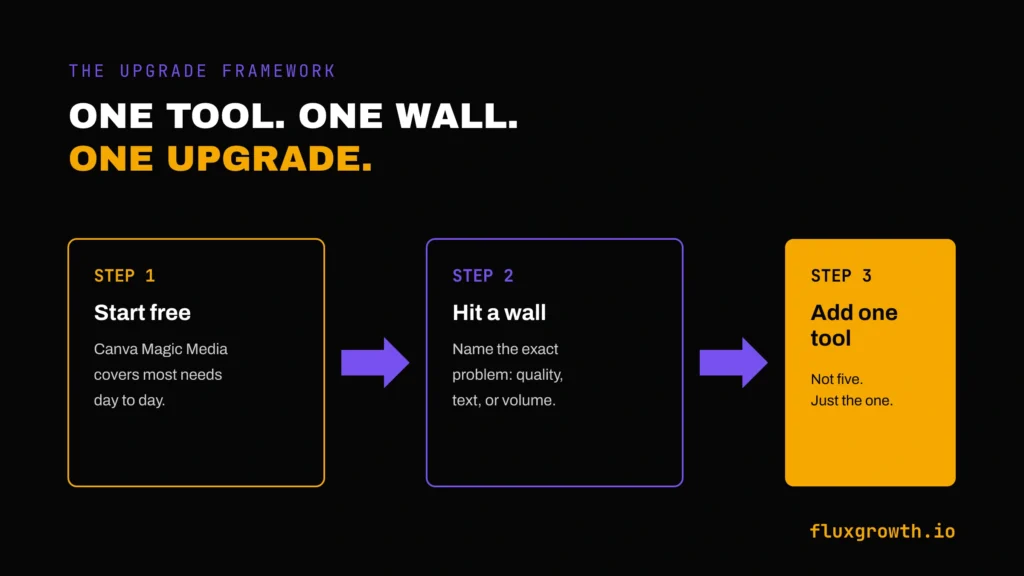
That’s the whole framework. Use the free tier until it stops solving your problem, then add exactly one paid tool that solves that specific problem, not five tools “just in case.” Which wall are you hitting right now?
Frequently Asked Questions
Which AI image generator is best for beginners?
Canva Magic Media, because it is already inside a tool most people have open. You get usable results without learning prompt syntax, and you can drop the output straight into a design. It is the default rather than the ceiling.
Can I use AI-generated images commercially?
It depends on the tool and your plan. Adobe Firefly is trained on licensed content and is the safest for client work; most others put commercial rights behind a paid tier. Always check the current terms for your specific plan before billing a client for the output.
Which AI image tool handles text in images correctly?
Ideogram is the one that reliably spells things right. Most generators still mangle words inside an image, which matters as soon as you need a poster, a logo mockup or anything with a caption baked in.
Are there genuinely free AI image generators?
Yes. Meta AI Imagine is free and effectively unlimited, and Canva and Ideogram both have free tiers with daily limits. The trade-off is usually resolution, speed, or commercial rights rather than raw image quality.
Do I need more than one AI image tool?
Most people do not. Pick the one that fits your main use case and only add a second when you hit a specific wall — text rendering, commercial licensing, or resolution.