
FluxGrowth is reader-supported. Some links in our guides are affiliate links — if you buy through one we may earn a commission, at no extra cost to you. It never changes which tools we recommend. How we test tools.
Legal AI tools are software products that use large language models to research case law, draft and review contracts, summarize discovery, and analyze matter files for lawyers and legal teams. The best legal AI tools in 2026 are Harvey for large firms, CoCounsel Legal for Westlaw users, Lexis+ with Protégé for LexisNexis users, Clio Work for small firms, and Spellbook for contract work.
This guide is part of our AI Automation hub – everything we have published on automating a small business with AI, in one place.
Adoption is no longer the debate. The 8am 2026 Legal Industry Report found that 69% of legal professionals now use general-purpose generative AI at work, up from 31% a year earlier. The harder questions are which tool fits your practice, what it really costs, and how to use it without ending up in a sanctions order.
Below, I compare seven tools by use case, with pricing checked in October 2026, published accuracy data, and the ethics rules that apply. Quick disclaimer: this is a buyer’s guide, not legal advice.
Legal AI tools compared at a glance
The table summarizes who each legal AI tool is built for, what it costs as of October 2026, and which content it draws on. Most enterprise legal AI vendors do not publish prices, so buyer-reported figures are labeled as such.
| Tool | Best for | Price (Oct 2026) | Built on |
|---|---|---|---|
| Harvey | Large firms and in-house legal teams | Custom quote; buyer-reported $1,000+ per user/month | Firm documents plus licensed legal content |
| CoCounsel Legal | Firms already paying for Westlaw | Custom quote | Westlaw and Practical Law |
| Lexis+ with Protégé | Firms already on Lexis+ | Custom quote | LexisNexis primary law and secondary sources |
| Clio Work | Solo, small and mid-size firms | $199 per user/month at launch (Oct 2025) | vLex library of 1B+ legal documents |
| Spellbook | Contract drafting and review | Custom quote; 7-day free trial | Microsoft Word add-in |
| Paxton AI | Budget-conscious solo lawyers | $499 per user/month or $2,999 per user/year | US federal and 50-state law |
| ChatGPT / Claude | Non-confidential first drafts | About $20/month on consumer plans | General-purpose models, no legal database |
What do legal AI tools actually do?
Legal AI tools handle four jobs: legal research, contract drafting and review, high-volume document review, and matter analysis. A legal-specific tool differs from a general chatbot because it answers from a curated legal database and links each claim to a source you can check. That grounding is the whole value.
Legal research and memo drafting
Research tools such as CoCounsel Legal and Lexis+ with Protégé take a plain-English question, search case law and statutes, and return a cited answer or a draft memo. The better ones run a citator check, so you can see whether a case is still good law before you rely on it. If you research outside the law too, our roundup of AI research tools covers the general-purpose options.
Contract drafting and review
Contract AI tools such as Spellbook sit inside Microsoft Word, suggest redlines, draft missing clauses, and compare a draft against your firm’s playbook. Transactional lawyers feel the time savings here first, because contracts are repetitive and the playbook already exists.
Document review and e-discovery
Bulk review features let you upload thousands of documents and ask the same questions of every file. Thomson Reuters says CoCounsel’s Tabular Analysis handles up to 10,000 documents and 100 questions per run, with answers laid out in a sortable table. That is a due-diligence job that used to eat a junior associate’s week.
Matter analysis and practice management
Workspace tools such as Clio Work read a matter’s files and produce a timeline, the key facts, open risks, and gaps in the evidence. Because Clio also runs practice-management software, the AI can see contacts, notes, and documents that already live in the case file.
The 7 best legal AI tools in 2026
These seven legal AI tools cover every common buying situation, from a global firm to a solo practice to a founder reviewing an NDA. Each entry lists what the tool is best at, what it costs as of October 2026, and the catch nobody puts on the pricing page.
1. Harvey: best for large firms and in-house teams
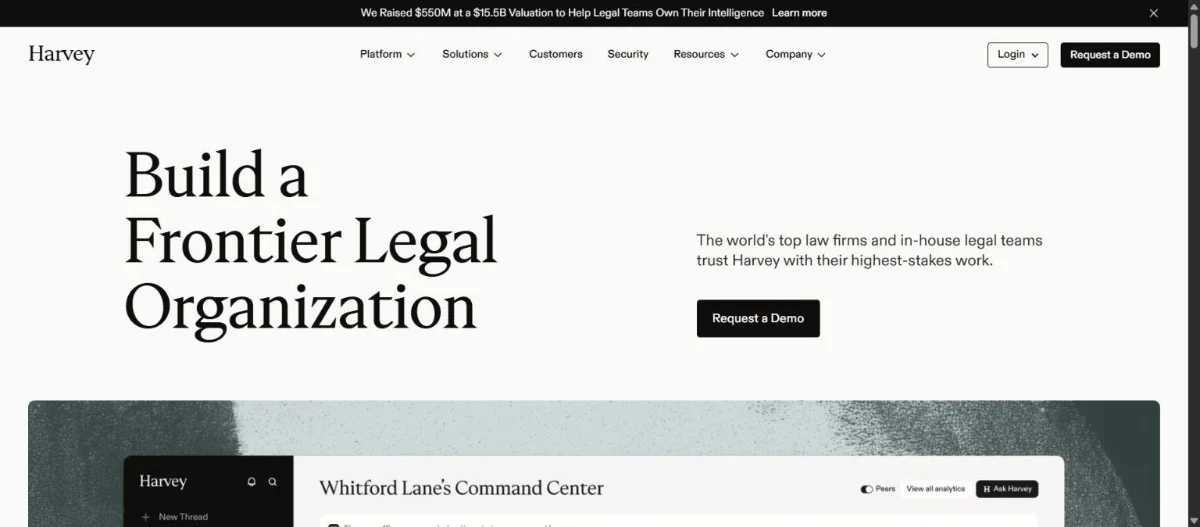
Harvey is a legal AI platform built for law firms and corporate legal departments. It combines an AI assistant, a Vault for bulk document review, and Workflows that chain multi-step tasks such as due diligence. On September 9, 2026, Harvey announced a $550 million round at a $15.5 billion valuation, roughly triple its valuation from a year earlier.
Harvey does not publish prices. Buyer-reported figures put seats above $1,000 per user per month, usually with a minimum seat count. My take: if you are a five-lawyer firm, Harvey is overkill. You would be paying for customization and onboarding built for firms with hundreds of attorneys.
2. CoCounsel Legal: best for firms already on Westlaw
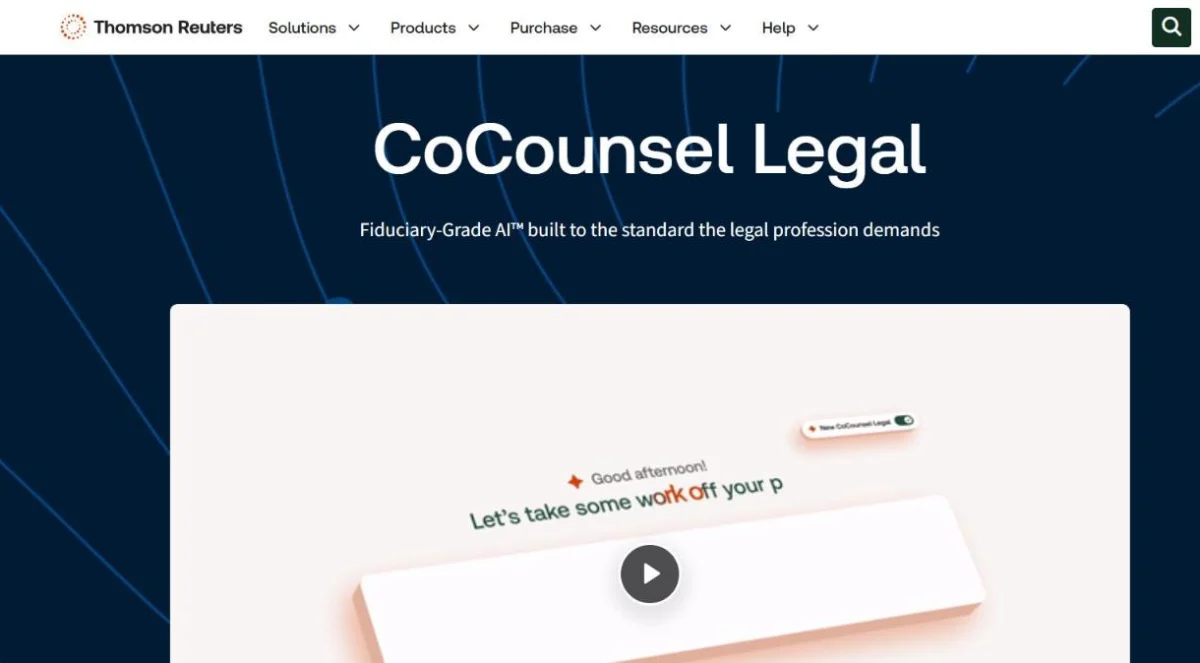
CoCounsel Legal is the agentic AI assistant from Thomson Reuters, built on Westlaw and Practical Law content. Its Deep Research feature writes a multi-step research plan, shows its reasoning, and returns a citation-backed report. Thomson Reuters expanded CoCounsel Legal to the UK on January 26, 2026, and it plugs into Microsoft 365 and common document management systems.
Pricing is quote-based and usually bundled with a Westlaw subscription. The catch: Westlaw-grounded does not mean error-free. Stanford researchers found an earlier Thomson Reuters research tool hallucinated on more than a third of test queries in 2024 (details below), so every citation still needs a check.
3. Lexis+ with Protégé: best for firms already on LexisNexis
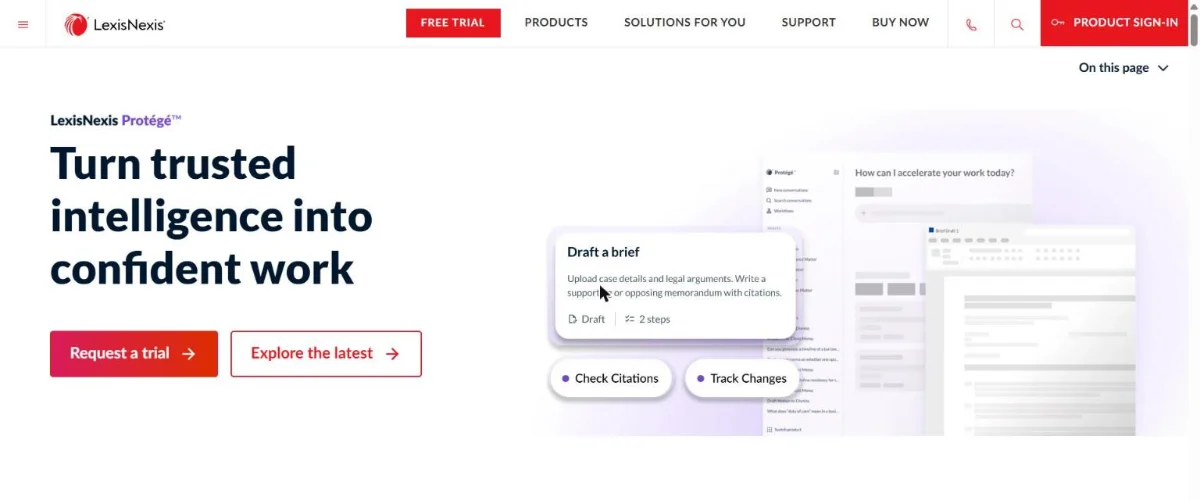
Protégé is the personal AI assistant inside Lexis+. It drafts motions, complaints, memos, and clauses, answers research questions from LexisNexis primary law and secondary sources, and flags the status and treatment of the authorities it cites. According to LexisNexis, you can create up to 50 Vaults holding 1,500 documents each, and pull files in from iManage, NetDocuments, or SharePoint.
Like CoCounsel, Protégé makes the most sense when your firm already pays for Lexis+. Switching research platforms just to get a different AI assistant rarely pays off, because the assistant is only as good as the database underneath it.
4. Clio Work: best for solo, small and mid-size firms
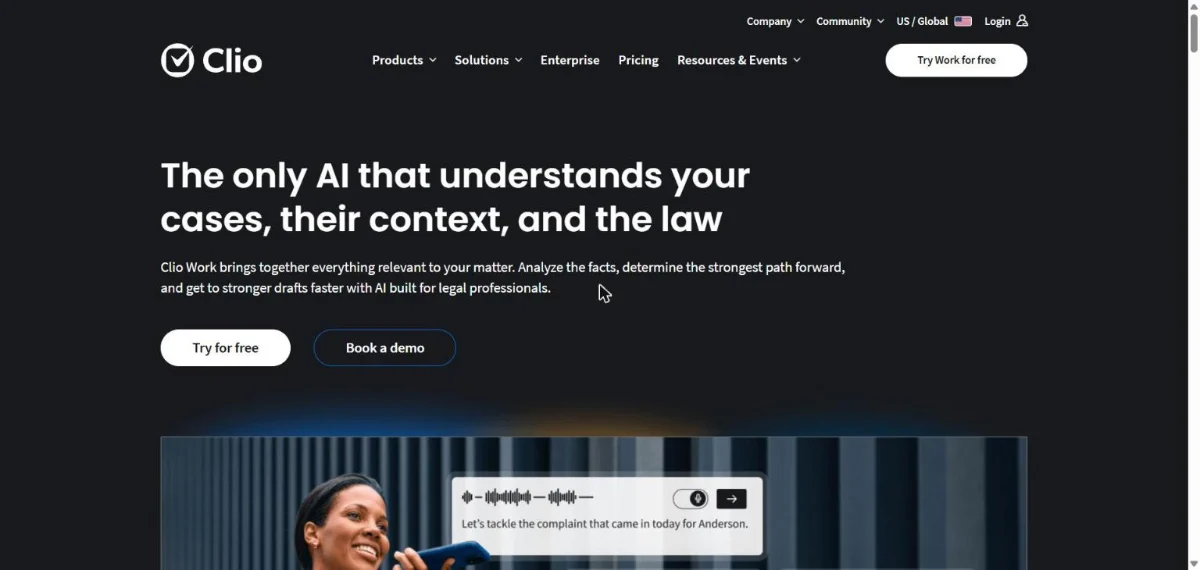
Clio Work is the AI legal workspace from Clio, the practice-management company. The company launched it in October 2025 at $199 per user per month and made it available as a standalone product for solo, small, and mid-size firms on April 21, 2026. It draws on more than one billion legal documents from vLex, which Clio agreed to acquire for US$1 billion, combined with your own matter files.
What I like for small firms: matter timelines, research tied to your jurisdiction with a built-in citator, and drafting through Clio for Word. Clio also states that client files run under zero data retention agreements and are not used to train public models. One gap: Clio had not published standalone pricing on the Clio Work page when I checked in October 2026, so ask for a quote.
5. Spellbook: best for contract drafting and review
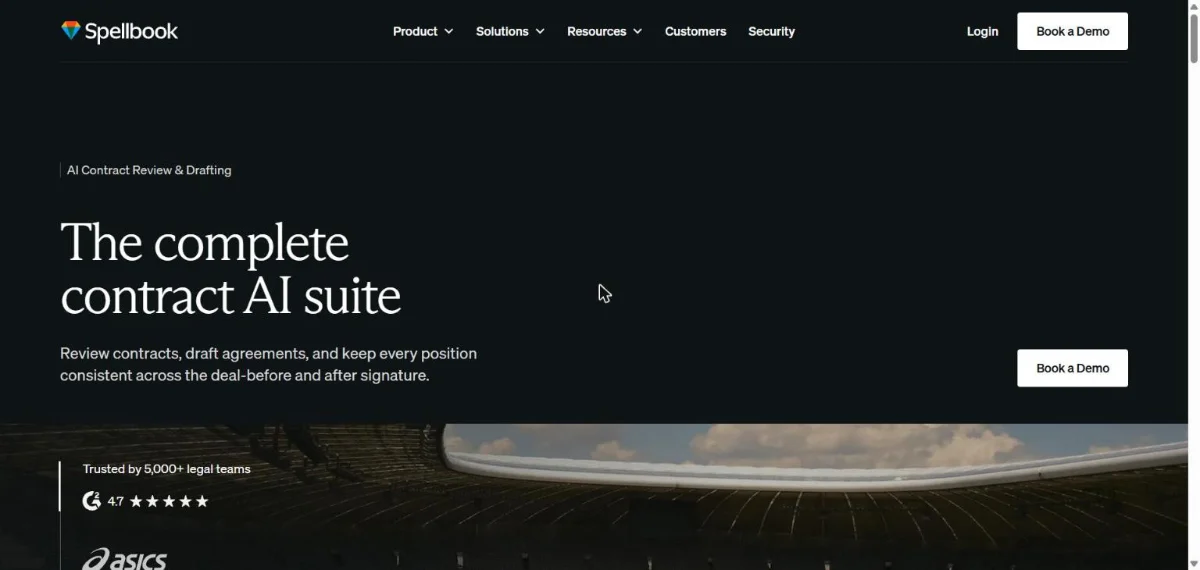
Spellbook is an AI contract drafting and review tool that runs as a Microsoft Word add-in. It suggests redlines, drafts clauses, benchmarks terms against market norms, and flags where a draft departs from your playbook. Spellbook says it is trusted by more than 5,000 legal teams.
The Spellbook pricing page offers a 7-day free trial but no list price; quotes depend on seat count. Third-party trackers report around $500 per user per month, which Spellbook has not confirmed. The catch: Spellbook does not do case law research, so litigators will still need a research tool alongside it.
6. Paxton AI: best budget pick for solo lawyers
Paxton AI is a legal research and drafting assistant aimed at solo and small-firm lawyers who want a published price. The Paxton pricing page lists $499 per user per month, or $2,999 per user per year, with a 7-day free trial. It covers US federal regulations plus statutes and case law across all 50 states, and lists SOC 2, ISO 27001, and HIPAA compliance.
Annual billing is the obvious move here: it works out to about $250 a month. Paxton is a smaller vendor than Thomson Reuters or LexisNexis, so run your own citation spot-checks during the trial before you commit a year.
7. ChatGPT and Claude: best for non-confidential first drafts
ChatGPT and Claude are general-purpose AI assistants, not legal research tools. They are good at first drafts of client emails, plain-English explanations of a clause, and summaries of public documents. They are bad at anything that needs a citation, because they do not search a verified case law database.
Stanford researchers point to earlier work showing general-purpose chatbots hallucinated between 58% and 82% of the time on legal queries. If you use them, keep client-identifying details out of consumer plans, and compare the real cost of ChatGPT Business seats against legal-specific tools. Not sure which assistant to pick for general drafting? Our ChatGPT vs Claude comparison covers it.
How accurate are legal AI tools?
Legal AI tools are more accurate than general chatbots but still make mistakes often enough that every output needs checking. In a May 2024 benchmark of more than 200 legal queries, Stanford RegLab and HAI researchers found Lexis+ AI and Ask Practical Law AI gave incorrect answers more than 17% of the time, and Westlaw AI-Assisted Research hallucinated more than 34% of the time.
Vendors have shipped new versions since then, so treat those numbers as a floor for caution, not a current score. The lesson holds: retrieval from a legal database reduces hallucinations but does not remove them.
The fake-citation problem in court
Researcher Damien Charlotin maintains a public database of AI hallucination cases in court filings. As of July 27, 2026, it had logged 1,240 instances in US filings, according to an analysis by the Maryland State Bar Association. The yearly count jumped from 11 in 2023 and 37 in 2024 to 524 in 2025, then 668 in the first seven months of 2026.
These are not only self-represented litigants. In 2025 the database attributed 208 instances to lawyers, and 97 cases ended in monetary sanctions while 59 were referred to disciplinary authorities. Automation breaks in predictable ways, and we cover the general pattern in when automation breaks.
A three-step verification habit
- Pull every cited authority in a citator such as KeyCite or Shepard’s, not just the AI’s own summary.
- Read the passage the AI relied on. A real case can still be quoted for a point it never made.
- Keep a log of what the AI drafted and what you changed, so a supervising lawyer can review the work.
Is it ethical for lawyers to use AI tools?
Yes, lawyers may ethically use AI tools as long as they understand the tool, protect client confidentiality, verify the output, and bill fairly. That is the core of ABA Formal Opinion 512, issued on July 29, 2024, the American Bar Association’s first formal ethics opinion on generative AI. It is not binding by itself, but many state bars have issued guidance along the same lines.
Competence and candor to the court
Under Model Rule 1.1, lawyers need a reasonable understanding of what a generative AI tool can and cannot do, and must keep that understanding current. Rules 3.3 and 8.4(c) mean a lawyer who files an AI-drafted brief owns every citation in it. “The AI made it up” is not a defense.
Confidentiality and client consent
Model Rule 1.6 requires lawyers to know how an AI tool stores and uses the data they enter. Opinion 512 says informed client consent is needed before entering confidential information into a self-learning tool, and that boilerplate in an engagement letter is not enough.
Fees for AI-assisted work
Under Rule 1.5, lawyers generally cannot bill clients for time spent learning a tool they use across their practice. AI subscription costs can be treated as overhead, or passed through only when the arrangement is disclosed and reasonable.
How to choose the right legal AI tool for your practice
Choose a legal AI tool by starting from the research platform you already pay for, then matching the tool to your highest-volume task, then checking its data handling. Price comes last, because a cheap tool that nobody trusts saves zero hours.
Start from the research subscription you already pay for
A Westlaw firm should trial CoCounsel Legal first, and a Lexis+ firm should trial Protégé first. Both assistants are strongest when grounded in content you already license, and bundling usually beats buying a second research platform.
Match the tool to your highest-volume task
- Mostly contracts: Spellbook, because it lives in Word where the drafting happens.
- Mostly litigation research: CoCounsel Legal, Protégé, or Paxton AI on a budget.
- Small firm already on Clio Manage: Clio Work, because it reads the matter files you already store there.
- Large firm or in-house team with custom workflows: Harvey.
Check security before you upload a single client file
Data security is the top barrier to adoption, cited by 46% of respondents in the 8am report. Before uploading client files, confirm five things in writing:
- SOC 2 Type II certification (or ISO 27001)
- Zero data retention or a clear retention period
- A contractual promise that your data is not used for model training
- Where data is stored, if you have UK, EU, or Canadian clients
- Integration with your document management system
Pilot on a closed matter first
Run a two-week pilot on a matter you have already closed, where you know the right answers. Score the tool on how many citations held up and how much editing each draft needed. It is the fastest way to see through a polished demo. Firms also need a policy: the same 8am survey found 43% of respondents said their firm has no AI policy and no plans for one, and only 9% reported a written, enforced policy.
Can small business owners use legal AI tools?
Small business owners can use AI to understand legal documents and prepare better questions for a lawyer, but not to replace one. A general assistant can explain what an indemnity clause means, list the terms to negotiate in a supplier agreement, or produce a first-draft NDA for your lawyer to review.
Where it goes wrong is when an AI-drafted contract gets signed without review. Treat AI as the step that makes a one-hour lawyer meeting productive instead of a three-hour one. For the rest of your stack, see our list of the best AI tools for business, and budget with our breakdown of what AI automation actually costs a three-person business.
Frequently asked questions about legal AI tools
What is the best legal AI tool in 2026?
There is no single best legal AI tool. Harvey leads for large firms, CoCounsel Legal and Lexis+ with Protégé fit firms already on Westlaw or Lexis+, Clio Work suits small firms, and Spellbook is the strongest pick for contract drafting in Word.
Are there free legal AI tools?
Most legal-specific AI tools are paid, but several offer trials. Spellbook and Paxton AI both list 7-day free trials, and Clio Work offers a free trial. Free general chatbots can explain legal concepts but should not receive confidential client information.
How much do legal AI tools cost?
As of October 2026, legal AI tools range from about $20 a month for general assistants to $499 per user per month for Paxton AI and $199 per user per month for Clio Work at launch. Harvey, CoCounsel Legal, Protégé and Spellbook are quote-based.
Can AI replace lawyers?
No. Legal AI tools speed up research, drafting and document review, but they still produce errors and fake citations. ABA Formal Opinion 512 makes the lawyer responsible for verifying every output, so AI changes how legal work gets done rather than who is accountable for it.
Is ChatGPT safe for confidential client information?
Consumer ChatGPT plans are not a good place for confidential client information. ABA Formal Opinion 512 says lawyers need informed client consent before entering confidential data into self-learning AI tools, so use a business plan that excludes your data from training, or a legal-specific tool with zero data retention.
Do lawyers have to tell clients they use AI?
It depends on the use. ABA Formal Opinion 512 says lawyers must disclose AI use when a client asks, when it affects the basis or reasonableness of the fee, when AI output will influence a significant decision in the matter, and before client information goes into a self-learning tool. Check your state bar’s guidance too.
Which legal AI tool should you pick?
Pick the legal AI tool that sits on top of the research platform and workflow you already use, then prove it on a closed matter before rolling it out. For most small firms that means a Clio Work or Paxton AI trial; for Westlaw or Lexis+ shops it means the assistant already bundled with your subscription.
Whatever you choose, verify every citation. The tools are fast. The sanctions are faster. Want to see how legal AI fits next to the rest of the AI market? Browse our guide to the best AI tools in 2026 by job and budget.
Pricing and features checked October 14, 2026. This article is general information, not legal advice.